Struggling With High Booking Volume? Here’s What to Fix
If your diary is scattered across channels and your floor status lives in someone’s head, high-volume nights turn into guesswork.
That’s when you get double bookings, long waits, missed notes, and the worst feeling of all: empty tables you can’t confidently sell.
This guide gives you a practical six-step setup to handle high volume bookings without losing control of the room.
You’ll tighten your booking channels and measure what matters so you can improve week by week.
Table of Contents
- Step 1: Centralise your booking channels
- Step 2: Collect the right details upfront
- Step 3: Run the floor off real-time availability
- Step 4: Protect peak times with deposits and reminders
- Step 5: Set capacity rules that match your kitchen
- Step 6: Review performance and keep tweaking
- Bring it together without making service feel robotic
Step 1: Centralise your booking channels
High volume nights fall apart when reservations arrive from multiple places that don’t sync properly, you end up managing two or three “versions” of availability, and your team pays the price during service.
Your goal is simple: one diary that every booking channel feeds into. Start with your website, because it’s the one channel you control end-to-end.
Then connect additional sources only when you’re confident you can see bookings in one place, in real time.
If you’re using a channel like Google to capture demand, connect it properly so it doesn’t become a separate stream your host has to manually monitor. A clean setup for Reserve with Google helps you capture those high-intent bookings while keeping the diary consistent.
For the broader setup, make sure your restaurant online booking journey is clear, quick, and mobile-friendly. If guests struggle to book, they’ll call. And if they call during a rush, your team will rush the details.
Pro tip. Add channels one at a time. Test a full loop (booking, confirmation, reminder, modification, cancellation) before you open the floodgates.
Step 2: Collect the right details upfront
When bookings come in fast, missing details create friction at the worst possible moment: right before service. A guest arrives with an allergy you didn’t see. A party says they need a highchair. Someone expects a terrace table when you’re fully indoors. These aren’t “bad guests”. They’re normal scenarios that become problems when you don’t capture context early.
The answer is a booking form that fits your operation. Not a long questionnaire, just enough to protect the shift. With a custom booking form, you can collect the information that actually helps your team run service cleanly, without adding friction for the guest.
Keep it tight. You’re aiming for clarity, not complexity.
- Useful notes only: allergens, accessibility needs, kids, celebrations, and timing constraints.
- Preferences with boundaries: let guests choose, but word it honestly so it’s a request, not a promise.
- Accurate contact details: if reminders cannot reach the guest, you lose your easiest no-show prevention tool.
- Smart defaults: reduce typing with dropdowns, toggles, and prefilled options.
Pro tip. If your team keeps asking the same three questions on the phone, those questions belong in the form.
Step 3: Run the floor off real-time availability
On high-volume services, what the diary says and what the room can deliver are not always the same thing. Late arrivals, long-stayers, walk-ins, staffing gaps, and kitchen pacing can shift your floor plan in minutes.
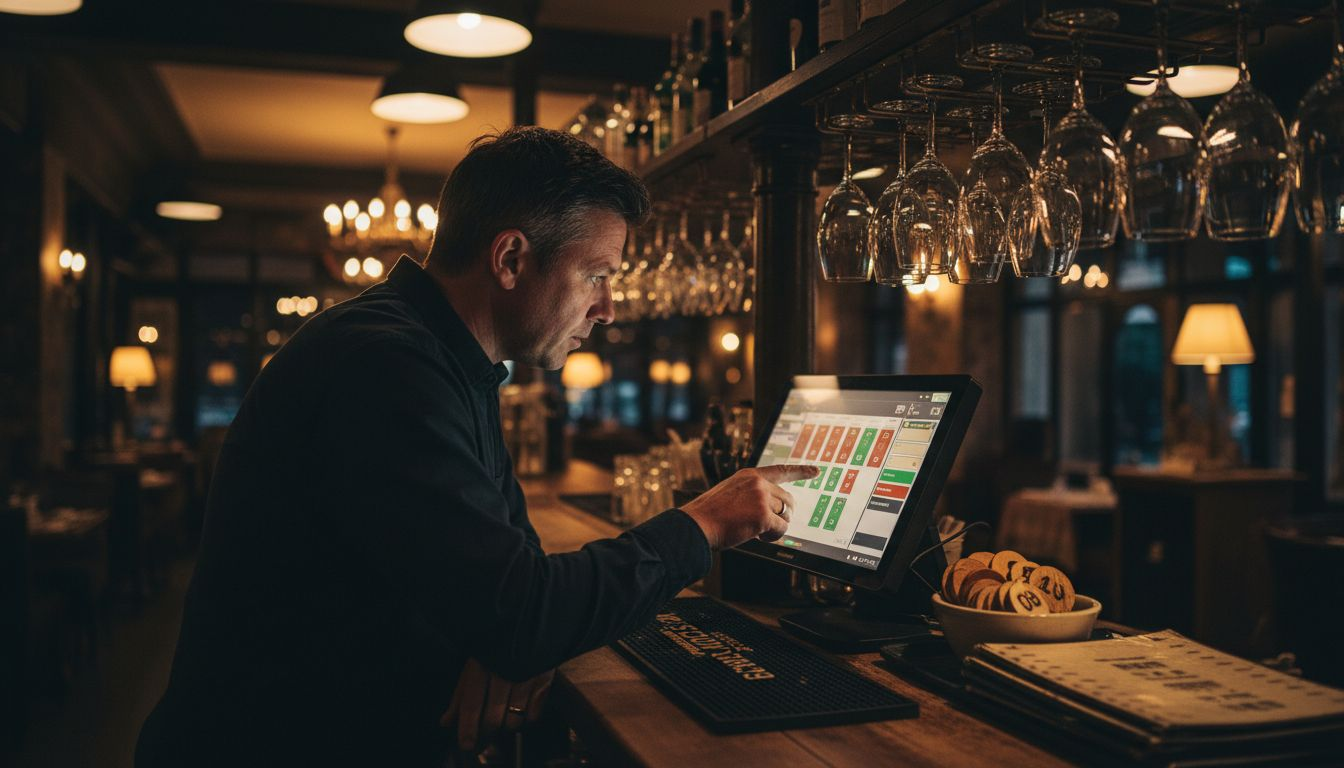
This is where a live floor view pays for itself. Your host should be able to see what’s seated, what’s turning, what’s held, and what’s realistically available, without chasing servers for updates.
A strong floor plan and diary setup gives you that shared view, so the team is working from one truth instead of relying on memory and assumptions.
Pro tip. Make table status updates part of the rhythm. Seat, update. Clear, update. If “we’ll update later” becomes a habit, your system stops being real-time the moment you need it most.
Step 4: Protect peak times with deposits and reminders
No-shows hurt on any night, but they hit harder when demand is high. Those prime tables could have been sold twice, and you often only realise they’re lost when it’s too late to replace them.
Deposits and reminders are not about being harsh. They’re about setting expectations and making it easy for guests to do the right thing: confirm, modify, or cancel with enough notice for you to resell the table.
To keep it smooth, use deposits only where the risk is real: large parties, peak times, and special dates. Then make payment simple and consistent with restaurant payments, so you’re not managing deposits manually.
Pro tip. Your messaging matters. Keep it polite, short, and action-based. Guests should immediately understand how to confirm or cancel, without feeling like they’re being threatened.
Step 5: Set capacity rules that match your kitchen
The fastest way to ruin a high-volume night is to overcommit in one tight window. You can fill the diary, but if the kitchen hits a ticket wall, service slows, tables stop turning, and your “full” room turns into a backlog of unhappy guests.
Capacity rules are your guardrails. They help you pace covers in a way your team can actually execute. The smartest approach is dynamic: adjust based on staffing, menu complexity, and what your data shows about real turn times.
If you want to go deeper on the thinking behind pacing and availability control, revenue management research in restaurant operations supports the idea that managing demand and capacity can outperform a simple “take every booking” approach. Restaurant revenue management techniques
Pro tip. Review your busiest service every week. If mains backed up for 40 minutes, that’s a pacing issue you can fix with booking limits and spacing, not something you need to “push through” next weekend.
Step 6: Review performance and keep tweaking
“We were full” is not a performance review. You want to know whether you were full in a way that felt controlled, profitable, and repeatable.
At minimum, track: no-show rate, cancellation timing, lead time (how far ahead guests book), turn times by party size, and which channels produce the most reliable covers. Then make one change at a time, so you can see what actually improved results.
For your daily operations, the biggest win is making sure the whole team is working from one system. That’s where restaurant reservation management stops being “admin software” and starts being how you control the room.
Here’s a quick comparison of how manual vs digital setups typically behave on high-volume services:
| Aspect | Manual approach | Digital setup |
|---|---|---|
| Booking processing | Calls, paper, and scattered inboxes | Centralised diary with synced channels |
| No-show prevention | Ad-hoc confirmation calls | Automated reminders and optional deposits |
| Table management | Memory-based decisions | Live floor plan and clear table status |
| Performance review | Limited visibility | Reports you can act on |
| Guest experience | Inconsistent messaging | Clear, repeatable communication |
And if you want a simple way to connect the dots between features and outcomes, this table is a useful lens for prioritising what you improve first:
| Upgrade | What it fixes | What you typically notice |
|---|---|---|
| Synced booking channels | Multiple “diaries” and booking collisions | Fewer double bookings and fewer calls |
| Smarter booking forms | Missing notes and awkward surprises | Cleaner service handovers |
| Live floor plan | Guesswork on table turns | More accurate waits and better pacing |
| Deposits and reminders | No-shows at peak times | More confirmed covers and earlier cancellations |
| Capacity rules | Kitchen bottlenecks | Steadier service and smoother turns |
Bring it together without making service feel robotic
High-volume bookings don’t have to feel like survival mode. When you centralise channels, collect better details, run off real-time floor status, protect peak times, and pace the kitchen properly, you stop reacting and start controlling the shift.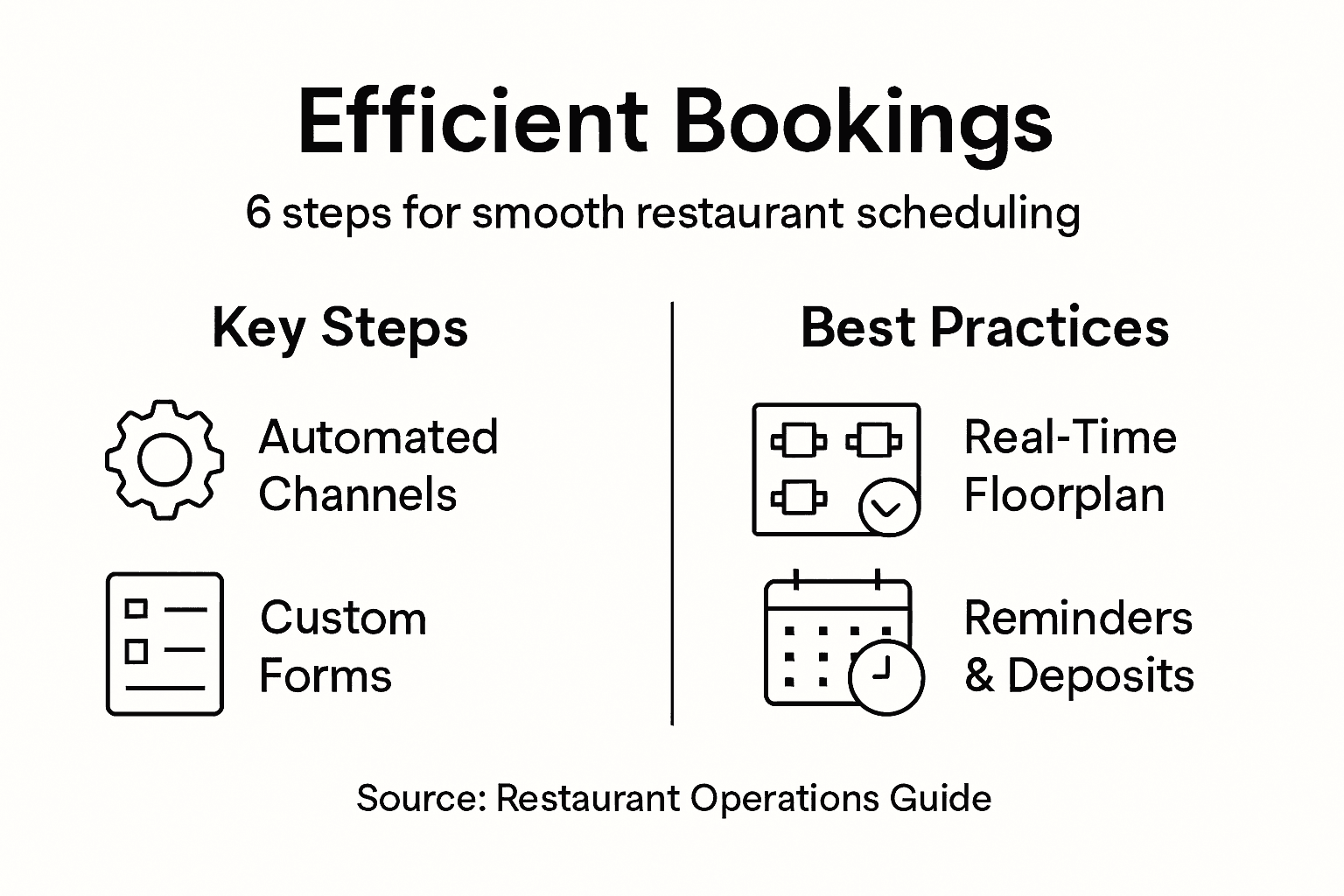
Keep the goal realistic: not perfect automation, just fewer avoidable surprises. That’s how you stay calm at the door, keep the kitchen flowing, and deliver a guest experience that feels organised even when you’re busy.
Frequently Asked Questions
What usually causes high-volume booking chaos?
Misalignment. Bookings come in from multiple channels that do not sync, table status is not updated consistently, and key guest notes are missing. That forces your team to guess, and guessing is where delays and mistakes start.
How do I prevent overbooking without losing revenue?
Use capacity rules and pacing that match your kitchen and staffing. You often earn more by keeping service steady than by packing the diary and creating bottlenecks that slow turns and damage reviews.
Should I take deposits for every reservation?
No. Use deposits where the risk is highest: peak times, large parties, and special dates. Keep the policy clear, and pair it with friendly reminders and an easy way to cancel or modify.
Which metrics matter most for improving high-volume nights?
Track no-show rate, cancellation timing, lead time, turn times by party size, and performance by booking channel. Review monthly, then adjust one rule at a time so you can see what actually improved results.

-
Previous Post
Restaurant Career Development: Boosting Staff Loyalty