Stop Losing Covers: Why Your Restaurant Needs Reminders
No-shows don’t just sting, they throw off your entire service. You’ve staffed the floor, prepped the kitchen, held tables, and then… nothing.
For small and midsize restaurants, one missed booking can ripple into wasted labour, lost covers, and stressed teams trying to fill gaps last-minute.
That’s exactly why reservation reminders matter. When you use automated reminders (SMS and email), you’re not “chasing” guests.
You’re keeping the booking clear in their mind, giving them an easy way to confirm or cancel, and protecting your service from surprises.
This guide breaks down what reminders really are, what types work best, and where they fit into your wider restaurant reservation management process.
Table of Contents
What reminders really do (and why they work)
A reservation reminder is a simple message sent before the booking, usually by SMS or email. The point is to reduce “I forgot” no-shows and make it easy for guests to do the right thing if their plans change.
Done well, reminders act like a gentle commitment nudge: they bring the reservation back into focus, and they give guests a low-friction way to confirm or cancel.
That “commitment mechanism” idea comes up in consumer research too, and it’s a practical way to think about why reminders work when they’re written with a helpful tone.
What reminders are not: a threat, a guilt trip, or a lecture. If your message feels like punishment, you’ll get pushback. If it feels like service, most guests appreciate it.
What a good reminder system helps you do
- Reduce unintentional no-shows by putting the booking back on the guest’s radar.
- Get earlier cancellations, so you can release tables and refill them.
- Keep your team informed, so the floor plan and pacing decisions are based on reality.
If you’re also taking bookings through Google, reminders become even more useful because you’re meeting guests where they already book. In practice, that means fewer “we never got the confirmation” moments and fewer missed arrivals. Reserve with Google is one example of how restaurants streamline the booking journey.
What types of reminders actually make sense
For most restaurants, SMS and email are enough. SMS is great for quick “heads up” reminders, while email is better when you want to include more details like parking notes, menu links, or special-event instructions.
If you do use multiple channels, keep your timing simple. One confirmation immediately, one reminder the day before, and (optionally) one short message a few hours before service for higher-risk bookings like large groups, peak times, or special events.
Whatever your channel mix, the main job is the same: confirm the booking and make changes easy. If reminders become part of your standard flow, they fit neatly alongside online bookings and enquiry handling. Restaurant online booking tools tend to work best when reminders are built into the same system, not bolted on as extra admin.
What to include in your reminders so they help
Most “bad reminders” fail for one reason: they don’t help the guest take action. They just state the obvious. Your reminder should answer the guest’s quick questions and give them a clean next step.
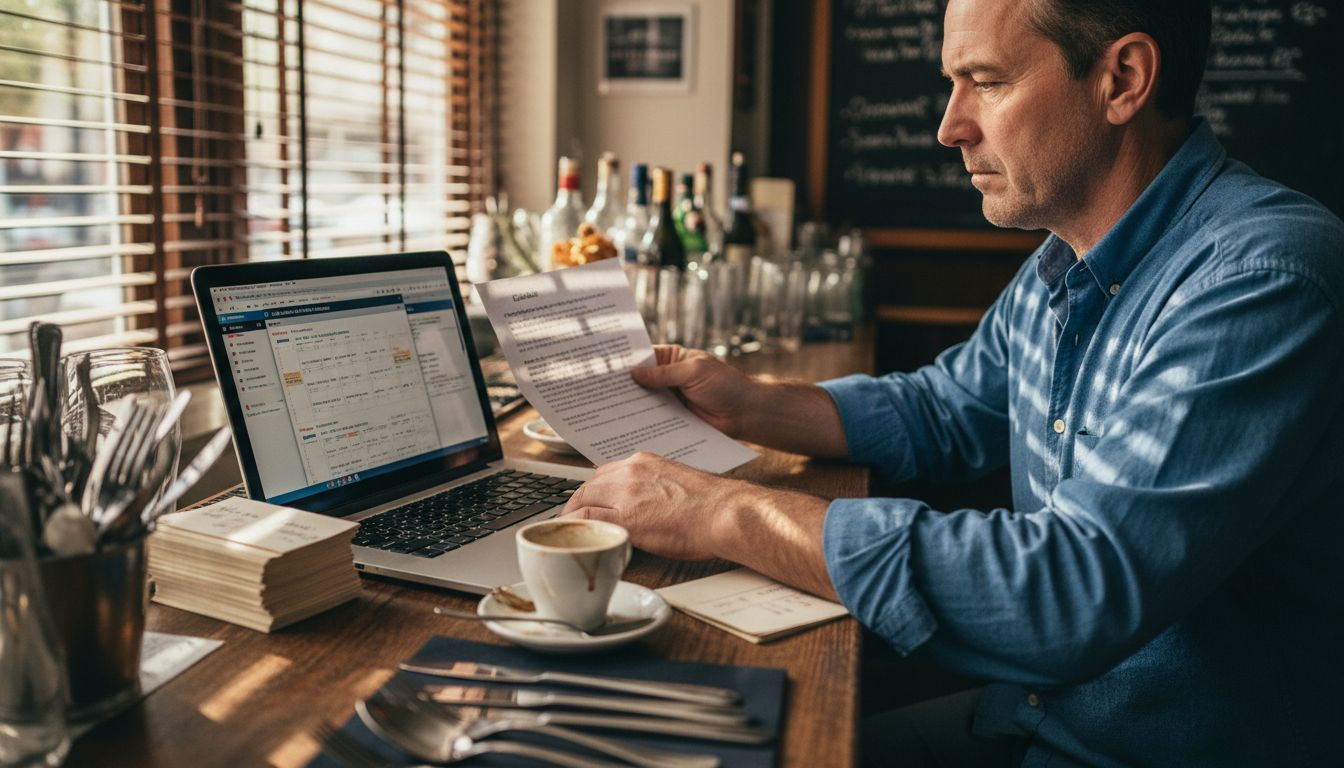
A reminder template your team can stick to
- Reservation basics: name, date, time, party size, and any notes (high chair, outdoor, allergies).
- One clear action: confirm, modify, or cancel (with the easiest method you can offer).
- One practical detail: location/parking, arrival window, or late policy (keep it short).
If you’re running events, set menus, or anything that changes the usual service rhythm, your reminder can also prevent awkward moments at the door. A quick line like “set menu only tonight” or “we’ll hold the table for 15 minutes” saves your host from having to explain it mid-rush.
Behind the scenes, good reminder systems also reduce staff workload because the process is consistent. Research and industry writing on technology-supported service operations often points to the same outcome: less manual work, more predictable service, and fewer operational surprises when communication is standardised.
How reminders protect revenue and your service
No-shows cost you twice: you lose the cover, and you still pay the labour. Plus, you often lose the walk-in who would have happily taken that table if you hadn’t been holding it.
Reminders help you in two practical ways:
First, they reduce genuine forgetfulness. People book weeks ahead, the calendar changes, and the reservation falls out of view. A reminder pulls it back up at the right moment.
Second, they shift cancellations earlier. You can’t do much with a no-show at 8:15pm. But if a guest cancels at 2pm, you’ve got a real chance to refill that table, especially if you have a waitlist or strong online booking flow.
| Reminder Channel | Typical response window | When it’s most useful | Things to watch |
|---|---|---|---|
| SMS text message | Fast | Quick confirmations and short reminders | Keep it concise and avoid multiple pings |
| Slower | More detail (parking, event notes, policies) | Don’t bury the action link | |
| Phone call | Immediate (if answered) | High-value bookings or VIP notes | Labour-heavy, not scalable |
| App notification | Fast for active users | If you have a loyal app user base | Limited reach if guests don’t use the app |
This is also where your policies matter. If you’ve got large groups, peak-time bookings, or high average spend, it may be worth pairing reminders with a light-touch policy: deposits, card holds, or clearer cancellation windows. Just keep it fair and visible upfront.
If no-shows are a constant headache for you, it’s worth tackling the full workflow instead of just sending messages. Reminders are one tool, but your booking rules, confirmation process, and guest data all play a role too. This is exactly what the reduce no-shows approach is built around: fewer surprises, better table utilisation, calmer shifts.
What’s the catch? Costs, risks, and how to choose
Reminders are not magic, and they’re not “set and forget.” You still need to choose the right setup for your restaurant.
Here are the usual risks to watch for:
Over-messaging. If you’re sending multiple reminders for every booking, guests will tune out. Keep it simple and reserve extra messages for higher-risk bookings.
Clunky guest experience. If cancelling or modifying is hard, you’ll push guests into no-show territory because they don’t want to call. Your reminder should make the next step obvious.
Inconsistent tone. A reminder that reads like a legal notice can undo the goodwill you work hard to create in the dining room. Write like a human. Be direct, polite, and helpful.
When you’re comparing options, focus on what reduces work for your team: simple templates, flexible scheduling, and clear tracking so your hosts can see who confirmed and who didn’t.
| System feature | Operational benefit | Guest experience impact |
|---|---|---|
| Automated scheduling | Stops manual chasing and missed follow-ups | Guests get timely info without needing to ask |
| Multi-channel support | Covers different guest preferences | Guests can respond in the way that suits them |
| Tracking and reporting | Helps you spot patterns (times, party sizes, repeat no-shows) | Fewer surprises at the door |
| Easy modify/cancel | Turns no-shows into early cancellations | Guests feel supported, not trapped |
Frequently Asked Questions
What are restaurant reservation reminders?
They’re messages you send before a booking (usually SMS or email) to remind guests of the reservation and make it easy to confirm, modify, or cancel. The goal is fewer no-shows and fewer last-minute surprises for your team.
When should you send reminders?
A simple setup works best: confirmation immediately, then a reminder 24 hours before service. For higher-risk bookings (large parties, peak times, special events), a short same-day message can help, as long as it’s genuinely useful.
Will reminders annoy guests?
Not if you keep the tone helpful and the timing sensible. One clear reminder that includes the booking details and an easy way to change plans usually feels like good service, not nagging.